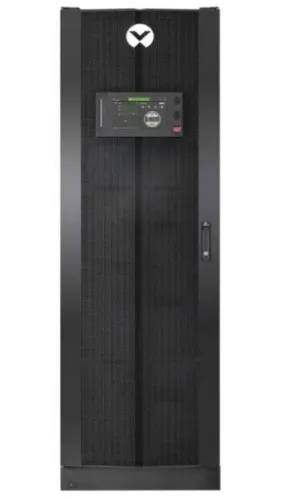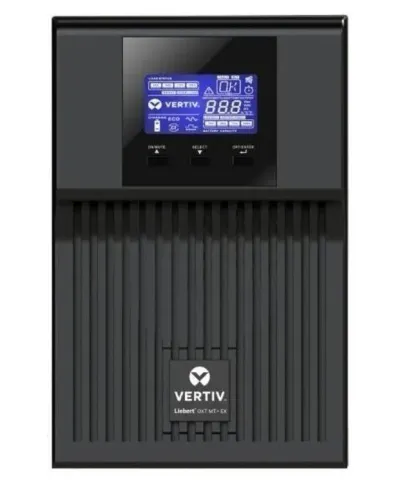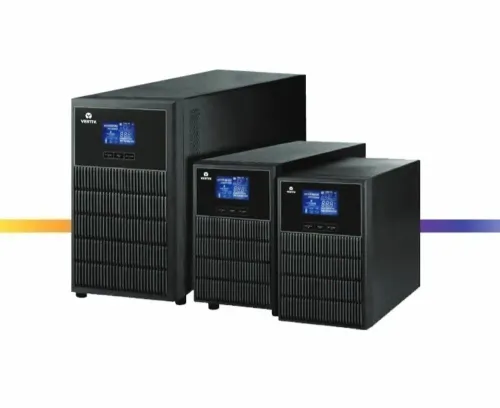

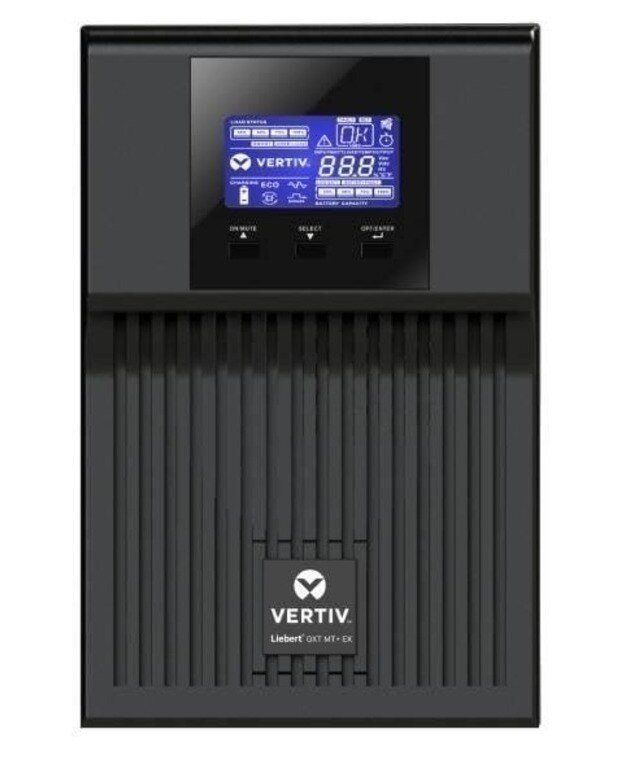
A GXT MT+ alarm cannot be diagnosed safely from the word “GXT” alone: the exact rating, suffix, battery arrangement, firmware and displayed code determine the permitted remedy. By the end, you will know how to preserve the fault record, protect the load, separate a UPS fault from a supply or wiring fault, and decide when a restart, bypass procedure or service visit is appropriate.
Key takeaways
- Record the complete GXT MT+ nameplate before interpreting any fault code.
- Stop nonessential loads before investigating overload or short-circuit alarms.
- Treat battery, temperature, bypass, and internal faults as service issues.
- Ask Pune support to document the cause, repair, test, and final alarm status.
Verify the Exact GXT MT+ Model Before Reading a Fault Code
A GXT MT+ label is not enough for fault diagnosis. Record the complete nameplate identification before interpreting a display message, LED state or alarm; ratings, input/output arrangements, battery configurations and firmware revisions change the applicable limits and code meanings.
1. Photograph the nameplate and write down the exact model, rating in kVA and kW, input voltage, output voltage, phase arrangement, serial number and battery configuration. “GXT MT+” alone is too broad to select the correct manual.
2. Note the firmware or control-panel revision shown during startup or in the information menu. Match it with the manual version; an identical code can have a different description or reset condition across revisions.
3. Record the message exactly, including punctuation and code number. Then document the alarm sound, flashing or steady LED colour, load percentage, input and output readings, bypass indicator and event-log timestamp. A warning that permits output is not the same as a latched fault or protective shutdown.
4. Check the model-specific fault table before pressing reset or transferring to bypass. Follow the stated action for that code, and do not open the UPS.
For anyone searching “single phase ups for traders in pune gxt mtx fault handling,” the useful specification is the exact GXT model and fault record, not the search phrase. Ask a single phase UPS for traders in Pune provider to demonstrate the actual unit and supply its matching manual before commissioning.
Use a Safe Sequence When the UPS Raises an Alarm
Protect the connected load before trying to clear the alarm: do not press reset, cycle breakers, or open the GXT MT+. A warning may permit continued operation, but a latched fault or protective shutdown can transfer the load to bypass or stop the output.
- Read and record the exact alarm text or fault code, alarm sound, LED state, load percentage, input voltage and output status. Photograph the display and note whether the event appeared on mains, battery or bypass.
- Check the server and network load for a new device, tripped downstream breaker, burning smell or visible damage. Do not disconnect a suspected short-circuit load while energized.
- From outside the UPS, verify the input and output breaker positions. Confirm that ventilation openings are clear and that room temperature has not risen sharply.
- Check whether the display shows bypass operation. Do not operate a maintenance-bypass switch as a reset; use the model-specific switching sequence, isolation, lockout and backfeed controls.
- If the alarm persists, output stops, or the code indicates inverter, rectifier, DC-bus or repeated short-circuit protection, leave the UPS in its present state and call qualified service. Do not remove covers.
When comparing single phase ups traders in Pune, require a documented fault-recovery test covering mains failure, bypass transfer, overload response, alarm logging and recovery—not merely a power-on demonstration.
Separate Overload, Short Circuit and Supply-Side Faults
The fastest distinction comes from matching the alarm time with measured current, input conditions, breaker voltage and the load connected at that moment. Do not judge an overload from total nameplate watts alone, and do not keep restarting after an output protection event.
- Excessive load: Measure output current with a suitable meter and compare it with the GXT MT+ rating. A sustained high percentage points to a real overload; remove nonessential equipment and retest.
- Inrush current: If the alarm appears only when a printer, motor or compressor starts, or repeats at startup, record the peak current with a true-RMS or inrush-capable meter. Running watts can remain within rating while startup current trips protection.
- Downstream short circuit: Remove nonessential output branches, inspect the power distribution unit and cables for damage, then reconnect loads one at a time. Stop if the alarm returns; repeated resets can transfer the UPS to bypass or damage the faulted circuit.
- Abnormal utility supply: Compare input voltage and frequency with the GXT MT+ event log and observe whether the unit is on inverter or bypass. Bypass supplies utility power without inverter conditioning, so a “running” UPS may still expose equipment to an unstable source.
- Failed breaker: Do not rely on the handle position. A qualified person must verify voltage on both sides of the input or output breaker; voltage on one side only indicates an open contact or wiring fault.
Record the load percentage, alarm text, mode, input readings and recovery time before clearing anything. Escalate a latched fault or repeated protection trip without opening the UPS.
Handle Battery, Temperature, Bypass and Internal UPS Faults
Treat the displayed condition as either a warning, a latched fault or a protective shutdown. Record the exact message or code, operating mode, load percentage, battery indication and transfer behavior before silencing or clearing it.
- Battery low during an outage means runtime is nearly exhausted: shut down non-critical loads and perform an orderly server shutdown. A battery-test failure, open string or high-resistance result needs service and possible battery replacement, even when mains power is present.
- Charger fault or abnormal charging voltage: keep the load protected only if the UPS remains stable, record battery voltage and charging status, and arrange service. Do not disconnect or reconnect battery terminals yourself.
- Overtemperature: reduce load, check that the inlet and outlet have clearance, remove blocked filters, verify fan operation and move the unit away from sunlight or a hot battery compartment. Repeated alarms require shutdown and inspection; reducing load alone does not fix failed airflow.
- Bypass operation supplies utility power directly, not conditioned inverter power. Confirm whether the display says bypass or inverter, check utility voltage and frequency, and avoid assuming the load is protected from an interruption.
- Inverter fault, rectifier fault or DC-bus abnormality: do not repeatedly restart the UPS. If it transfers to bypass, protect the load while arranging qualified service; if output stops, follow the controlled load-shutdown procedure.
- Emergency power-off: treat the output as disconnected, stop connected equipment safely, identify why the EPO circuit operated and leave it latched until the circuit and UPS are inspected. Never open the UPS enclosure.
Choose Pune Service Support That Can Prove Fault Recovery
A “UPS powers on” demonstration proves almost nothing. Before commissioning, require a witnessed test on the intended load or a signed commissioning report covering mains failure, restoration, overload response, bypass transfer, battery-discharge indication, alarm logging and recovery.
Ask single phase ups dealers in pune to put these items in the quotation:
- Response time, escalation contact and site-attendance hours
- Replacement battery strings, fans, control boards and firmware availability
- Load-side diagnosis, not only UPS inspection
- Required maintenance-bypass procedure, interruption risk, backfeed prevention and lockout controls
- Test results showing load percentage, operating mode, alarm code, battery indication, transfer behaviour and recovery time
- The exact GXT MT+ model, output kVA and kW, input and output voltage, runtime, load type, crest factor, generator use and bypass requirement
Compare offers against evidence, not labels.
| Offer | Evidence to require | Reject if |
|---|---|---|
| Single phase UPS dealer | Named engineer, response SLA and documented site test | “Service available” has no time or escalation path |
| Single phase UPS manufacturer and supplier in Pune | Parts, firmware and control-board support stated in writing | Replacement lead times are unknown |
| Commissioning contractor | Signed results for mains failure, bypass, overload and recovery | Only startup voltage is recorded |
Originate Power Solutions should be assessed by the same test: ask for the event log and recovery record, not a verbal assurance. Never treat maintenance bypass as a reset; use the model-specific switching sequence, verify source and load states, prevent backfeed and isolate the circuit before switching.
Related products
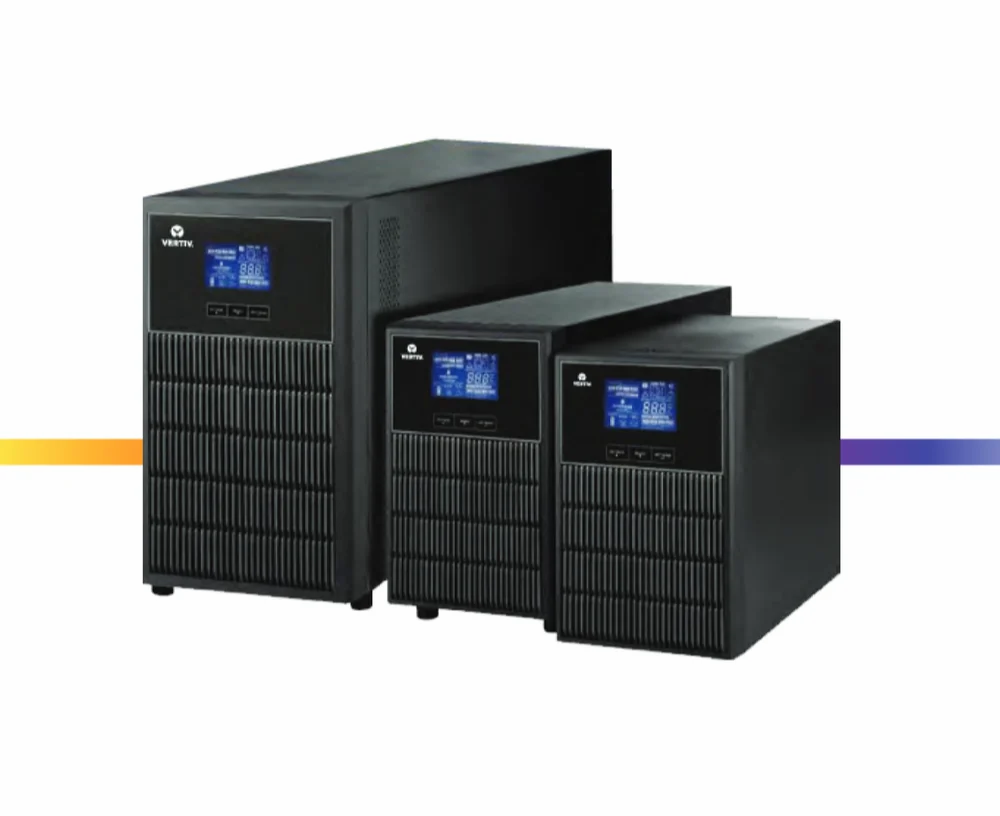 | Single Phase UPS Vertiv Liebert GXT MT+ CX 1 kVA LB (Long Run Model) Online UPS ₹21799 Vertiv Liebert GXT MT+ Series systems is true double conversion online UPS systems designed to provide with a capacity of 1 kVA. View product → |
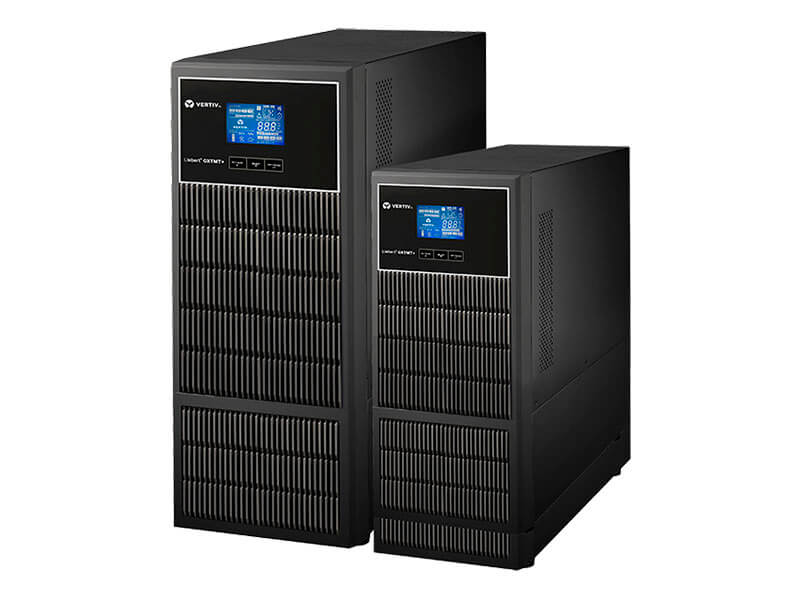 | Single Phase UPS Vertiv Liebert GXT MT+ CX 1 kVA LB 16A (Long Run Model) Online UPS ₹31500 Vertiv Liebert GXT MT+ CX 1 kVA LB 16A is a true on-line UPS that delivers continuous, high-quality AC power to connected equipment with no... View product → |
Frequently asked questions
Why must you verify the exact GXT MT+ model before reading a fault code?
The full nameplate identifies the rating, input and output arrangement, battery configuration, and firmware details needed to interpret limits and alarm meanings correctly.
What safe sequence should you follow when a GXT MT+ raises an alarm?
Record the display message and LED state, note the load and supply conditions, protect people from electrical hazards, and follow the model-specific shutdown or escalation procedure.
How do you distinguish overload, short circuit, and supply-side faults?
Compare the alarm with the connected load, recent equipment changes, output symptoms, and incoming power conditions. Remove nonessential loads only when safe, and escalate suspected short circuits or unstable supply.
Which GXT MT+ faults require service support?
Battery, overtemperature, bypass, and internal UPS faults require model-specific checks. Request a documented diagnosis and a recovery test before returning protected equipment to normal operation.
What should Pune UPS service support prove after fault recovery?
Ask for the recorded fault cause, corrective action, battery or component findings, alarm clearance, operating-mode confirmation, and test results under the connected load.
Related products
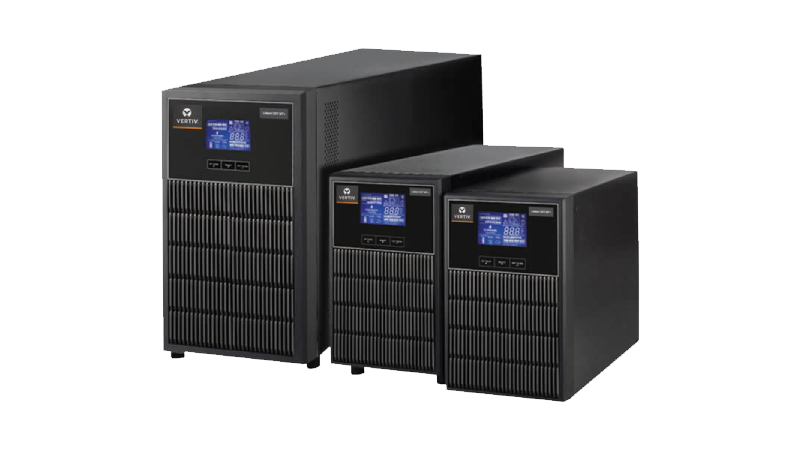 | Single Phase UPS Vertiv Liebert GXT MT+ CX 1 kVA SB (Standard Run Model / Inbuilt Battery) Online UPS ₹26810 Vertiv Liebert GXT MT+ Series systems is true double conversion online UPS systems designed to provide with a capacity of 1 kVA. View product → |
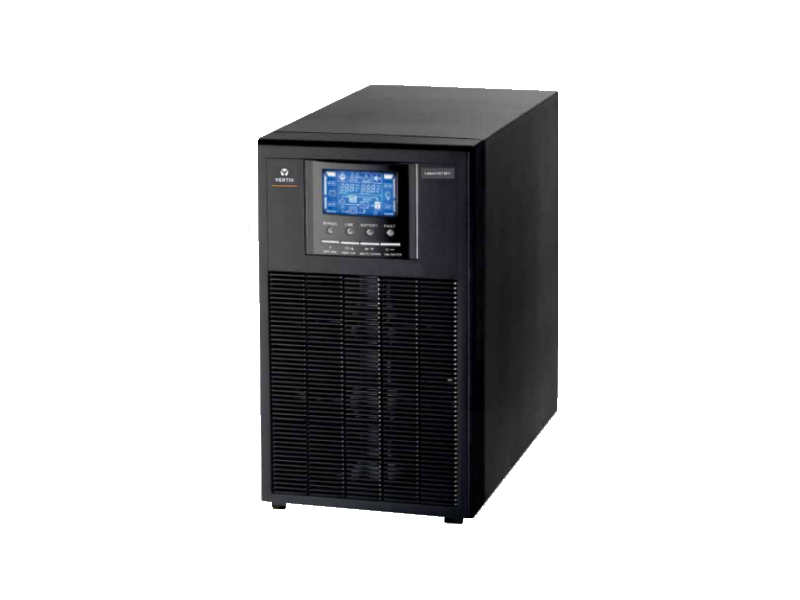 | Single Phase UPS Vertiv Liebert GXT-MT+ 6 kVA (1x1) Online UPS with Inbuilt MBS ₹74500 Vertiv Liebert GXT MT+ 6 kVA is a full featured transformer free UPS designed to offer compact efficient and reliable power to power thirsty modern... View product → |
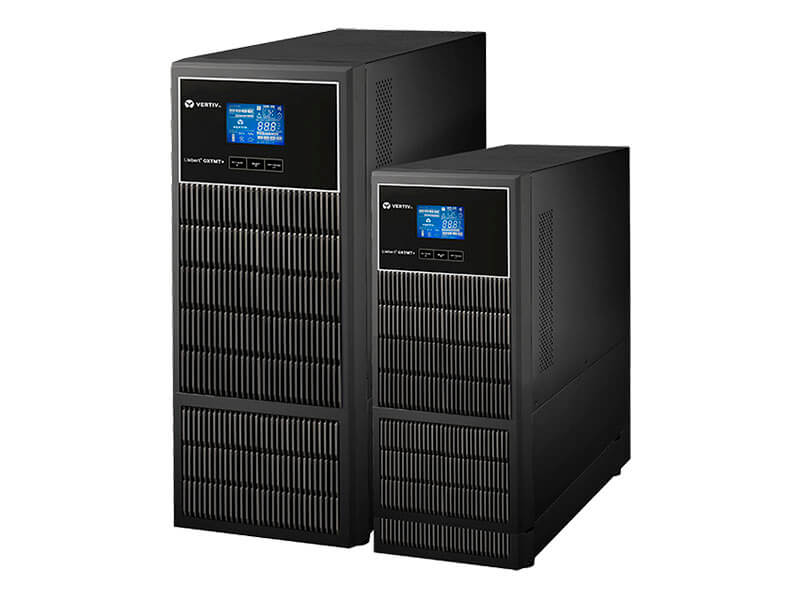 | Single Phase UPS Vertiv Liebert GXT MT+ CX 2 kVA LB 16A (Long Run Model) Online UPS ₹45470 Vertiv Liebert GXT MT+ CX 2 kVA LB 16A is a true on-line UPS that delivers continuous, high-quality AC power to connected equipment with no... View product → |
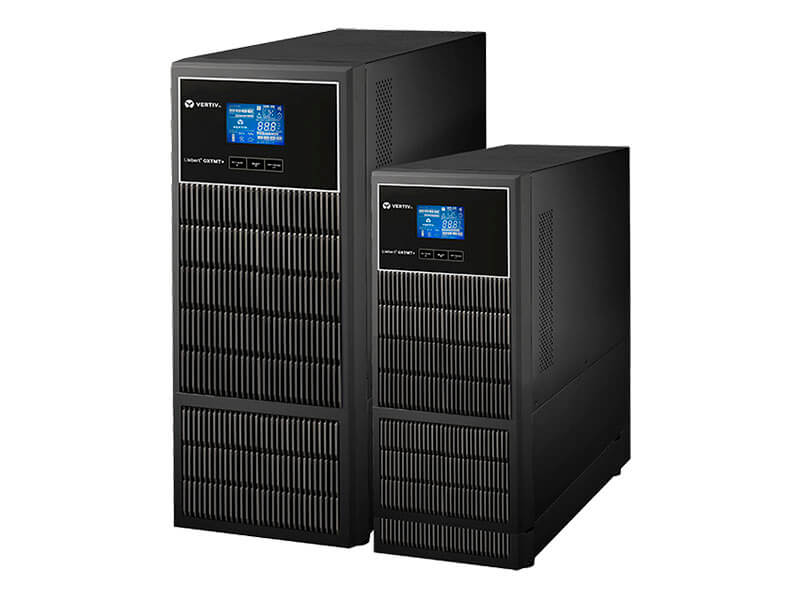 | Single Phase UPS Vertiv Liebert GXT MT+ CX 3 kVA LB 16A (Long Run Model) Online UPS ₹50848 Vertiv Liebert GXT MT+ CX 3 kVA LB 16A is a true on-line UPS that delivers continuous, high-quality AC power to connected equipment with no... View product → |